
Ashley Smith
Use GeoTag as an App on Your Device
GeoTag can now be installed as an app directly on your phone, tablet, or computer — no app store needed. Once installed, it launches in full screen for a faster, more focused experience.
How to Install
Android & Desktop (Chrome, Edge)
When you open GeoTag, you'll see a banner inviting you to install. Tap Install App and follow the prompt. You can also install later from Settings → Install App.
iPhone & iPad (Safari)
Open GeoTag in Safari, tap the Share button (the square with an arrow), then choose Add to Home Screen.
Using Chrome, Firefox, or Edge on your iPhone or iPad? You'll need to open GeoTag in Safari first — iOS only allows app installation through Safari.
What You Get
Full-screen experience — no browser address bar or tabs in the way
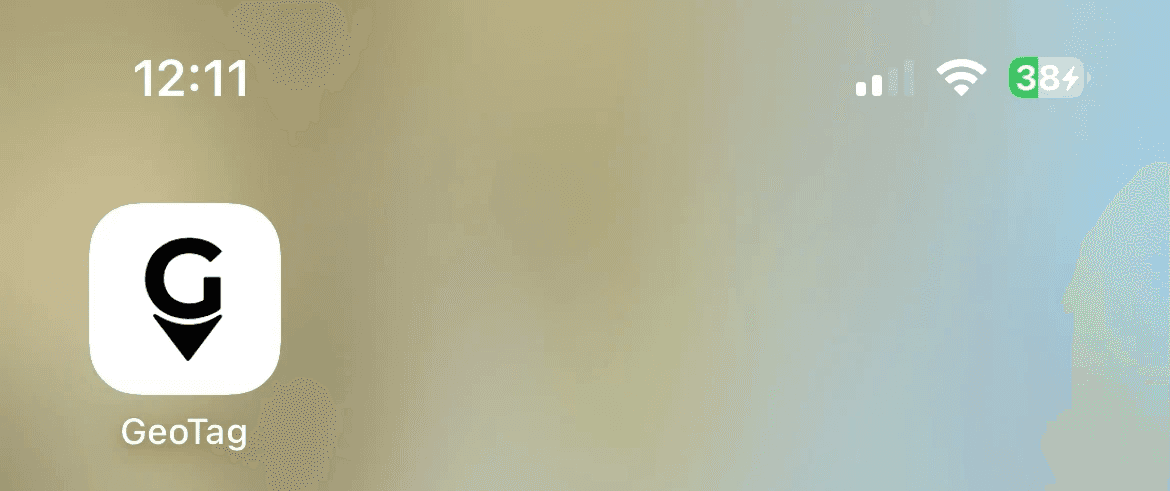
Home screen icon — launch GeoTag with a single tap, just like any other app
Offline notice — if you lose your connection, you'll see a clear message with a retry button instead of a browser error
Automatic updates — the app keeps itself up to date in the background
Other Improvements
Your email address is now displayed in the bottom menu so you can see which account you're logged in with
The ping interval selector has been improved with clearer options and a loading indicator
Dates from previous years now include the year for clarity
Various bug fixes and performance improvements