GeoTag & AssetID: Summer 2026 Release Notes
August 2026 release notes: GeoTag Fleet Analytics, AssetID lost and stolen reporting, condition grading, and a refreshed app design.


Ashley Smith
What's New This Summer: Fleet Analytics, Lost & Stolen Reporting and More
May's update was "shorter, sharper." This one is the opposite: it's been our busiest stretch of the year, and there's a lot to show for it. The headlines: GeoTag gets a whole new Fleet
Analytics section that watches your fleet's batteries so you don't have to, AssetID learns to handle the worst day in an item's life with lost & stolen reporting, and adds proper condition grading for the best days. And the whole AssetID app has a fresh 2026 look, including light mode.
Plenty more below, from bulk fleet organisation to faster browsing. Let's get into it.
GeoTag
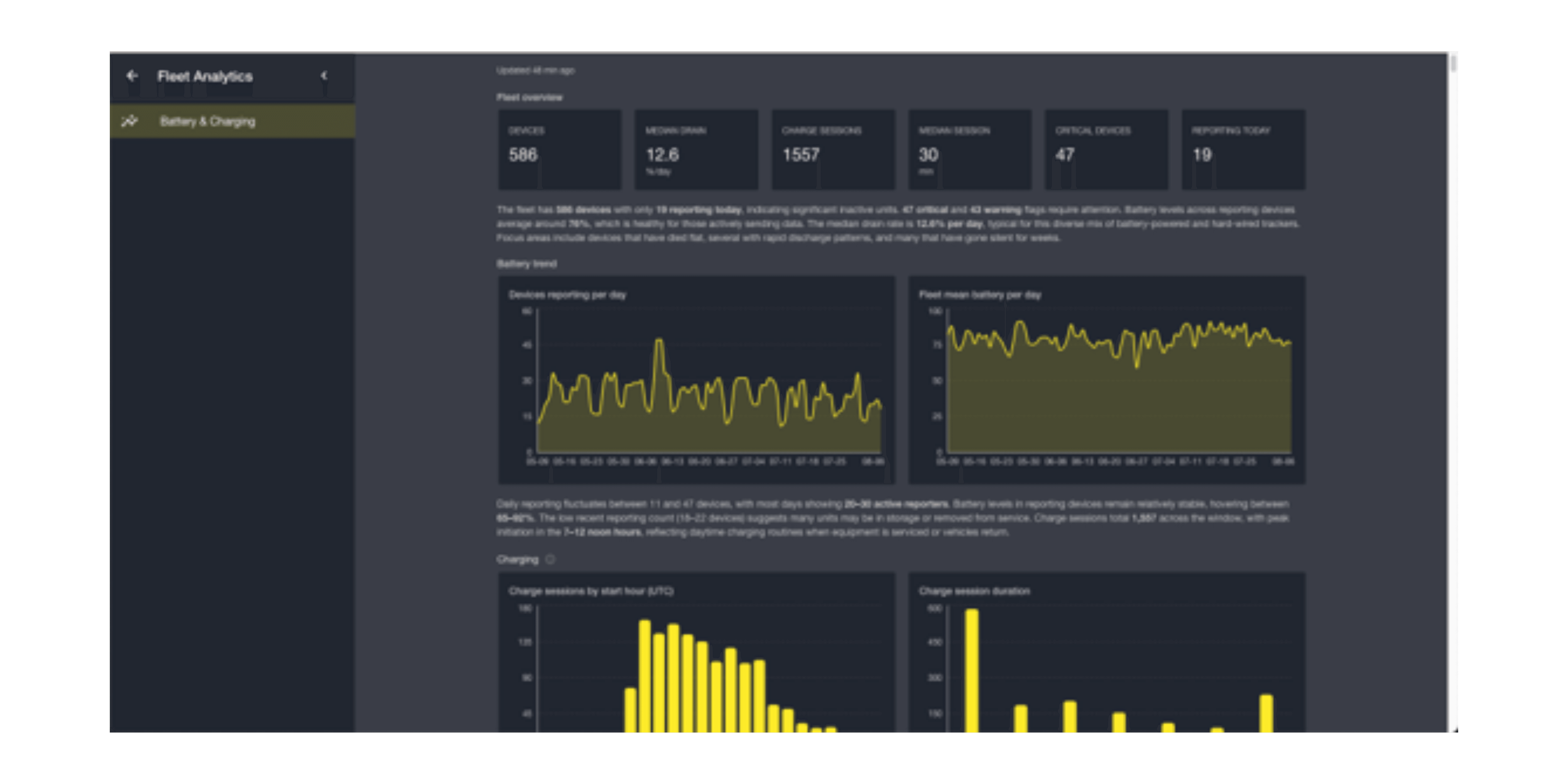
1. Fleet Analytics: your fleet's batteries, watched for you
The single biggest thing we've ever shipped on GeoTag. There's a new Fleet Analytics section in the app, and its first resident is a Battery & Charging dashboard covering your entire fleet: battery health, charging patterns, and automatic anomaly flags. All computed hourly, looking back across months of history.
You'll see at a glance:
Which trackers are draining faster than they should, and which are healthy.
Charging behaviour across the fleet: when devices get charged, for how long, and which ones haven't been charged in far too long. Not sure what counts as a "charge session"? Hover the tooltip and the dashboard explains.
A "Not reporting" flag on any tracker that's been silent for more than a day, so quiet devices can't hide in the averages.
2. Organise a big fleet in seconds, not clicks
Groups just got dramatically less tedious. You can now assign GeoTags to groups in bulk, either from a group's own device picker, or by multi-selecting devices straight on the GeoTags list. Need a group that doesn't exist yet? Type its name right in the assign dialog and it's created on the spot.

Why it matters: if you hold fifty trackers, "one at a time" was never a real option. Now a new site, customer, or vehicle category is a thirty-second job.
Smaller improvements & fixes
If the service is restarting, you now get a friendly "We'll be right back" message with automatic reconnection.
Fixed stale data from a previous account appearing after switching users on the same device (Safari/iOS).
Retired the "Never charges" anomaly flag; trackers on constant power were being wrongly.
Clearer icons in the settings menu, and layout polish across the analytics dashboard on smaller screens.
AssetID
1. Lost & stolen: help for an item's worst day
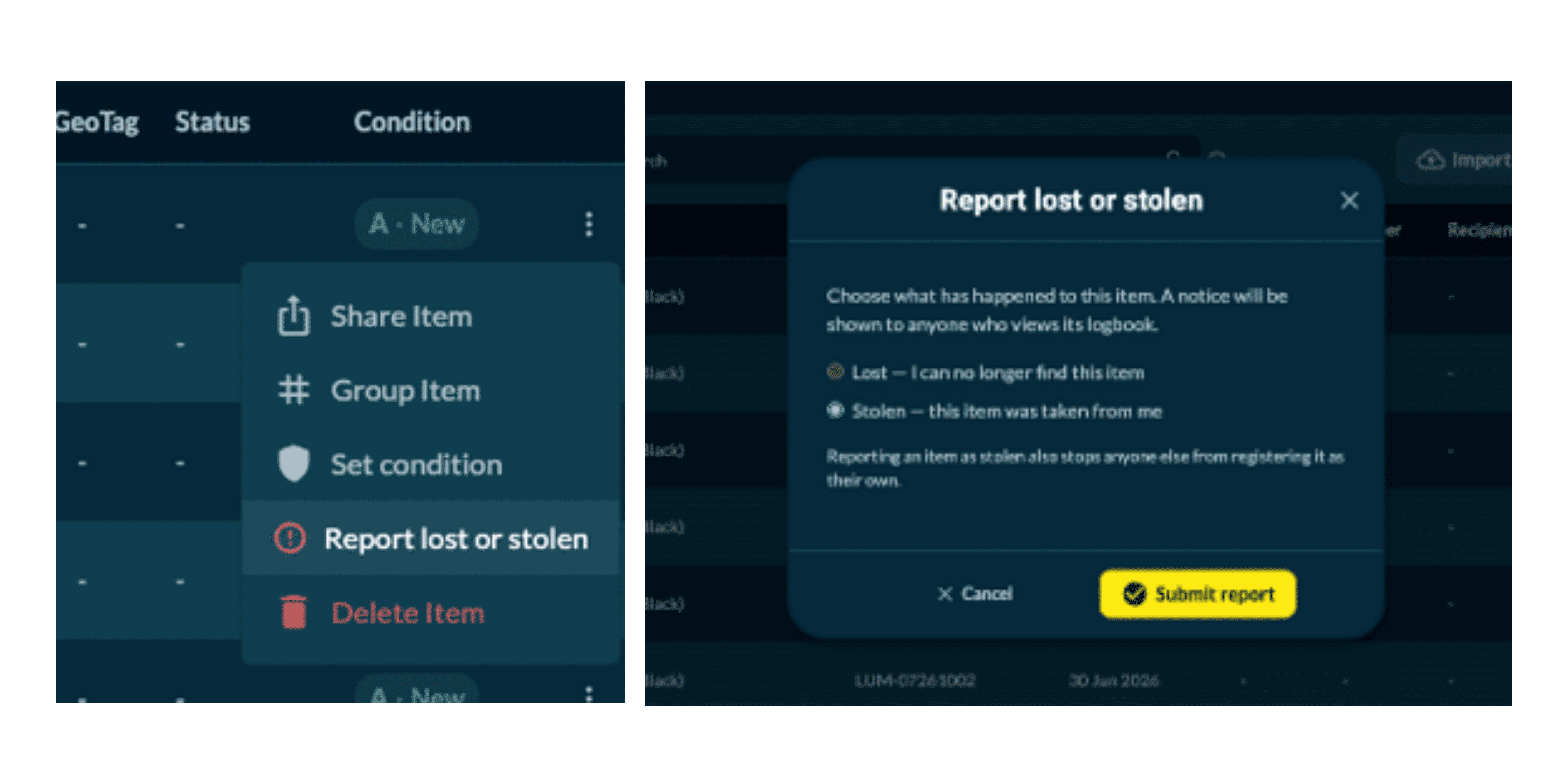
When something goes missing, AssetID now has your back. Owners and account admins can report an item lost or stolen and the platform responds where it counts:
The item's public logbook shows a clear notice, so anyone who scans it knows the situation immediately.
Stolen items can't be registered by a new owner until they're marked recovered: the tag itself becomes a deterrent to resale.
Your Inventory shows a lost/stolen status chip per item, with report and recover actions right where you'd expect them.
And the part that turns a notice into a reunion: finders can contact the owner directly from the item's public logbook. Messages are relayed privately — the finder never sees your contact details, and you never see theirs unless you choose to reply.
Why it matters: a tag on an item was always proof of ownership. Now it's also the recovery mechanism, a way for an honest finder to do the right thing in under a minute, with nobody's privacy at risk.
2. Condition grading, done properly
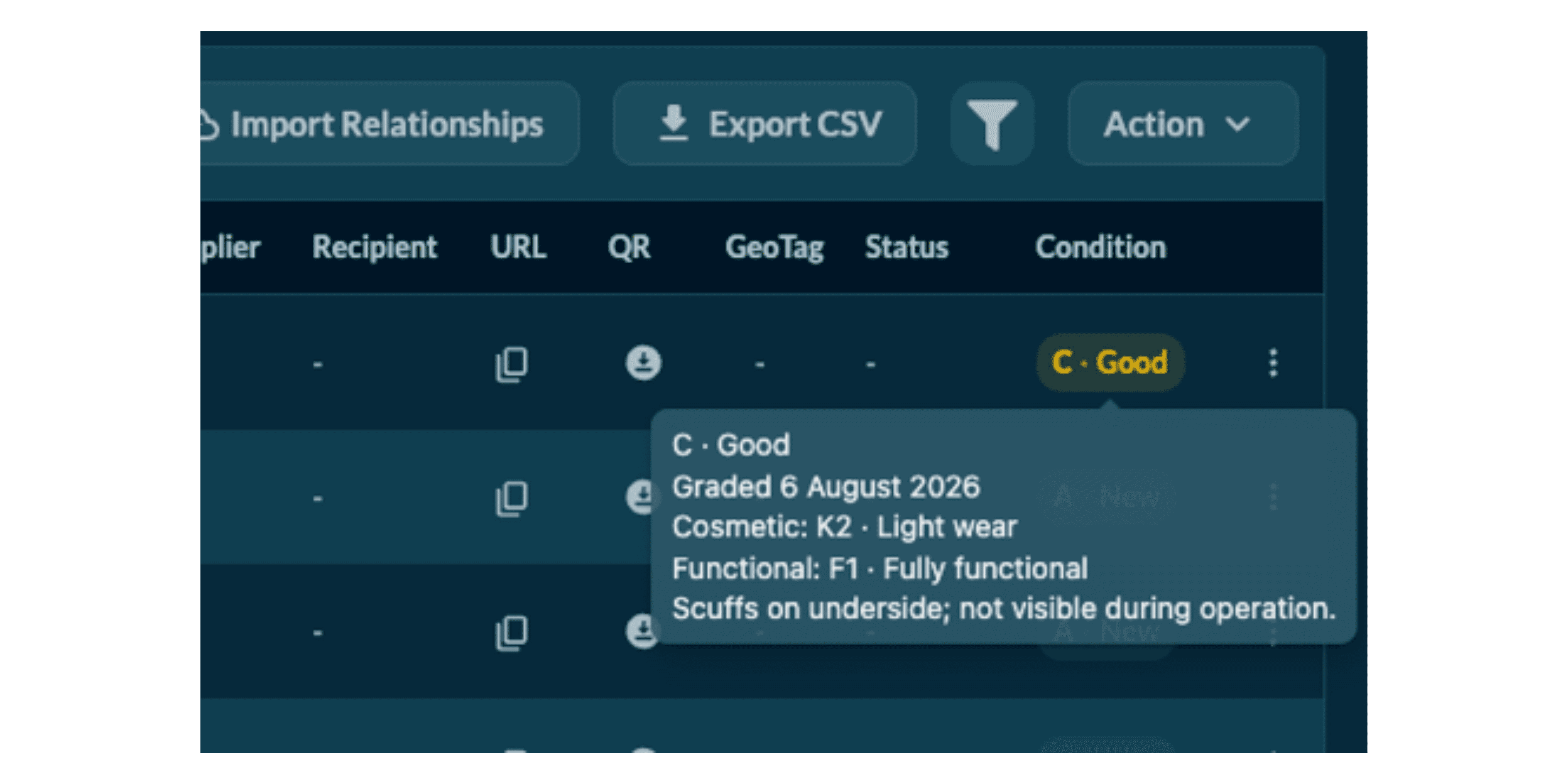
"Condition: good" is not information. AssetID now grades condition from two assessed scores; cosmetic wear and functional state plus optional battery health, rolled into a clear A–E headline grade.
A guided assessment form walks you through the scoring, with a live grade preview as you answer, whether for a single item, a bulk selection, or a whole group at once.
The full breakdown and a dated grading history appear on the Inventory table and on the item's public logbook, so condition claims are backed by an audit trail. Assessor notes stay private.
Why it matters: whether you're managing an asset pool or standing behind a resale listing, a grade with visible methodology and history is worth far more than an adjective.
3. A fresh look for 2026, including dark mode
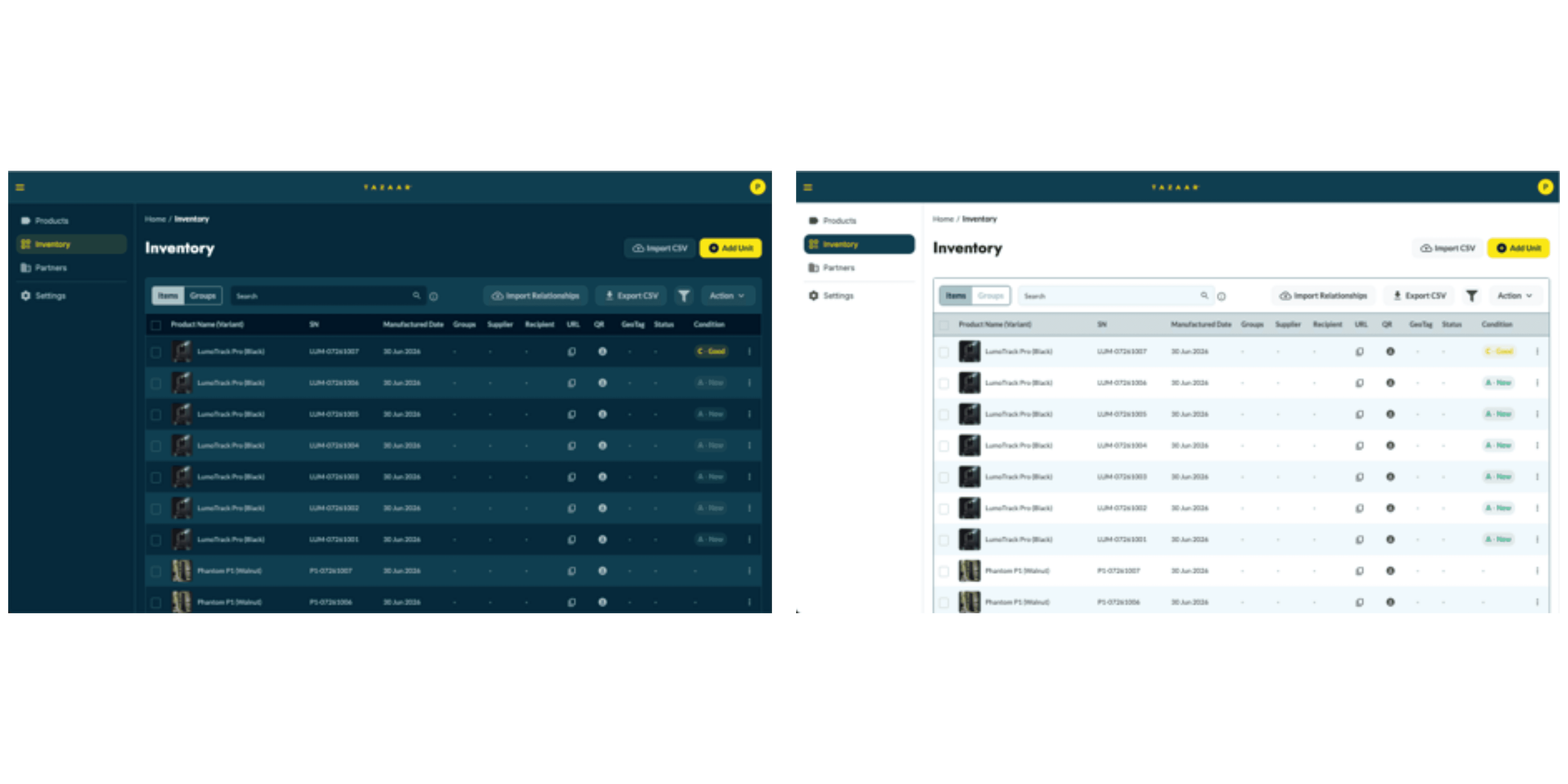
AssetID has a new coat of paint: a turquoise & yellow brand palette and updated typography across the whole app. And by popular demand, there's a new Appearance setting: choose dark or light mode, saved to your profile so it follows you between devices.
4. Browse faster: new Products view and continuous scrolling
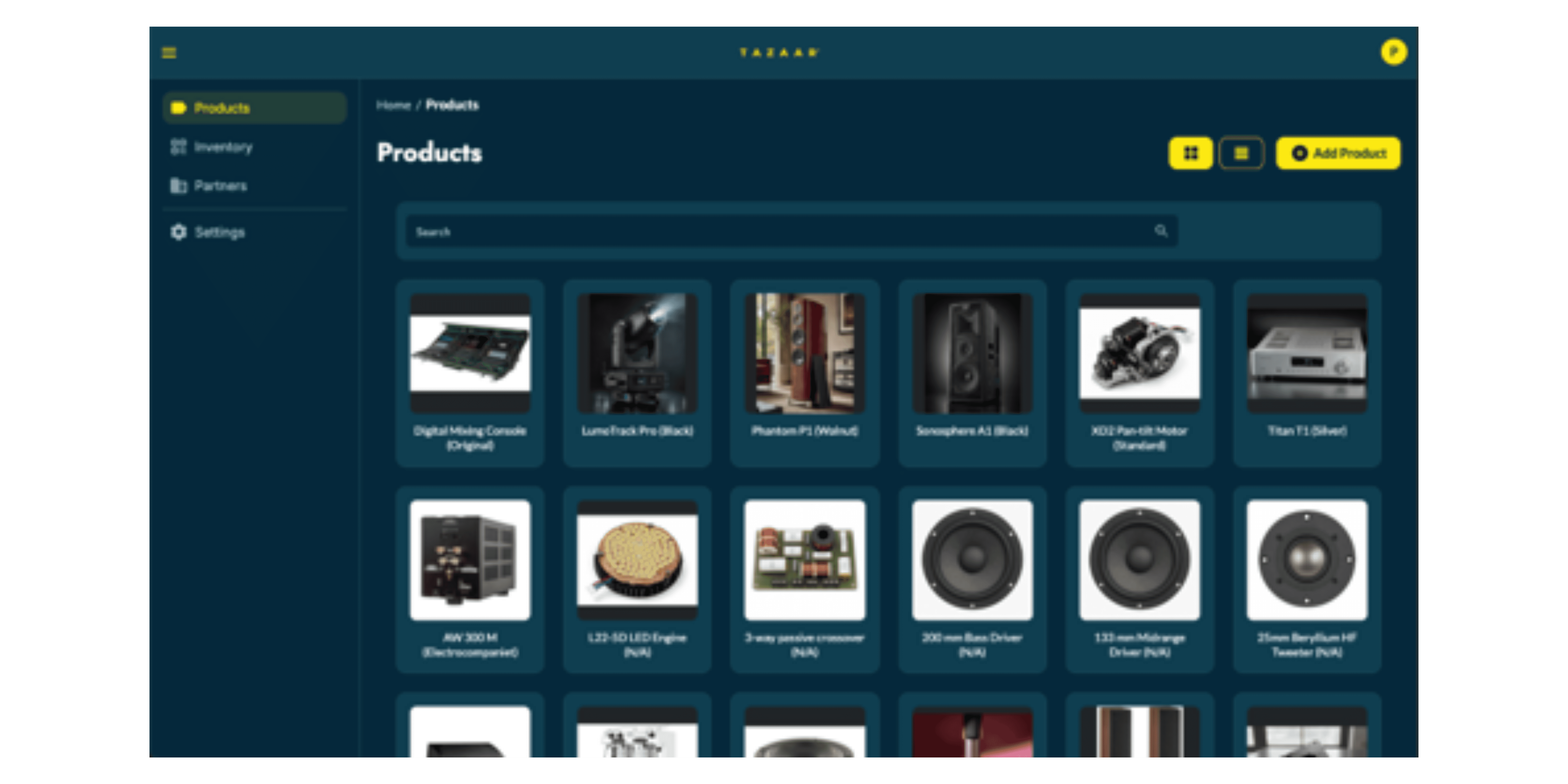
The Products page has a new image-tile grid with quick-view details, search, and continuous scrolling and a layout preference in Settings if you'd rather keep the classic table.
The Inventory Items and Groups lists now load continuously as you scroll, replacing page-number controls.
Sharing between partners, with the right boundaries
Items shared in from a partner no longer reveal their manufacture date to the recipient. The field shows as "Not shared by the supplier" instead. Small change, important principle: when businesses share items along a supply chain, each party sees what they need and nothing they don't.
Bespoke capabilities
In May we introduced the bespoke DPP work we're doing with a manufacturer client. That's continued to deepen this summer: their registration flow now captures richer purchase details that land directly in the client's CRM, and white-labelled passport pages can now load the client's own web fonts. Now a passport on AssetID can be indistinguishable from the client's own brand. If your product team is exploring DPP, come talk to us.
Smaller improvements & fixes
Import Relationships accepts a much simpler CSV: short IDs (or full IDs), no header row required, with a rewritten tooltip explaining the format.
Address autocomplete now returns suggestions for every search (a caching bug was silently emptying many results), and the dropdown overlays the Add Product and Register Item forms correctly.
"Load from CSV" on the product form now handles machine-generated files reliably (trailing newlines, blank lines, CRLF endings) and shows a clear error if a file can't be read.
Inventory polish: tables refresh instantly after grouping, deleting or adding items; row menus no longer clipped on short tables; row checkboxes no longer drop clicks; assorted light-mode styling fixes, including the Google sign-in button.
What's next?
The next big GeoTag chapter is already in the works: Journey Analytics: a fleet movement map, journey-distance breakdowns, and per-device journey history, plus a longer look-back window for battery analytics. On AssetID, the partner and DPP work keeps deepening. As ever, if there's a report, alert, or workflow you wish existed, tell us. Most of this release started life as a customer request.